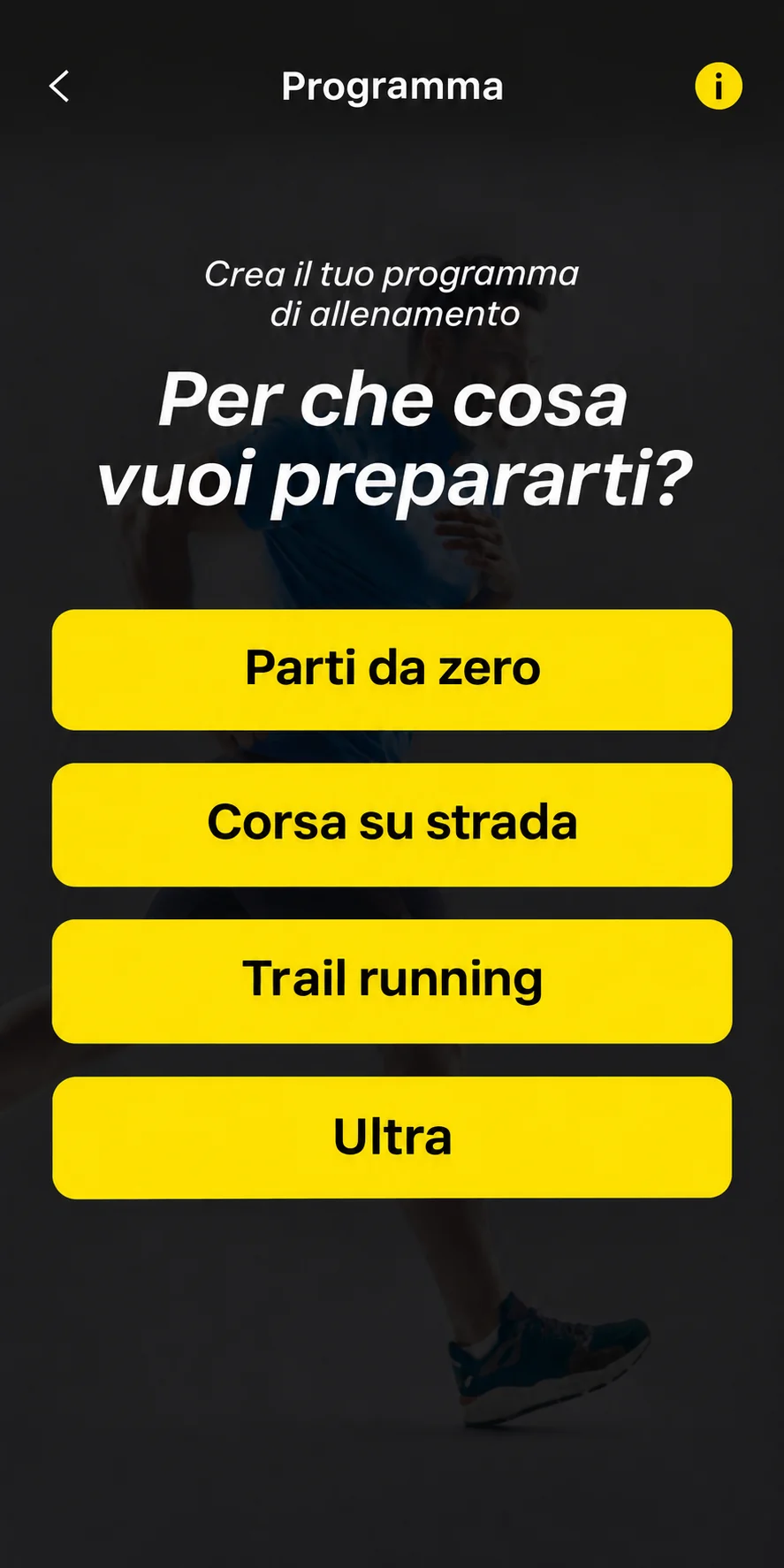
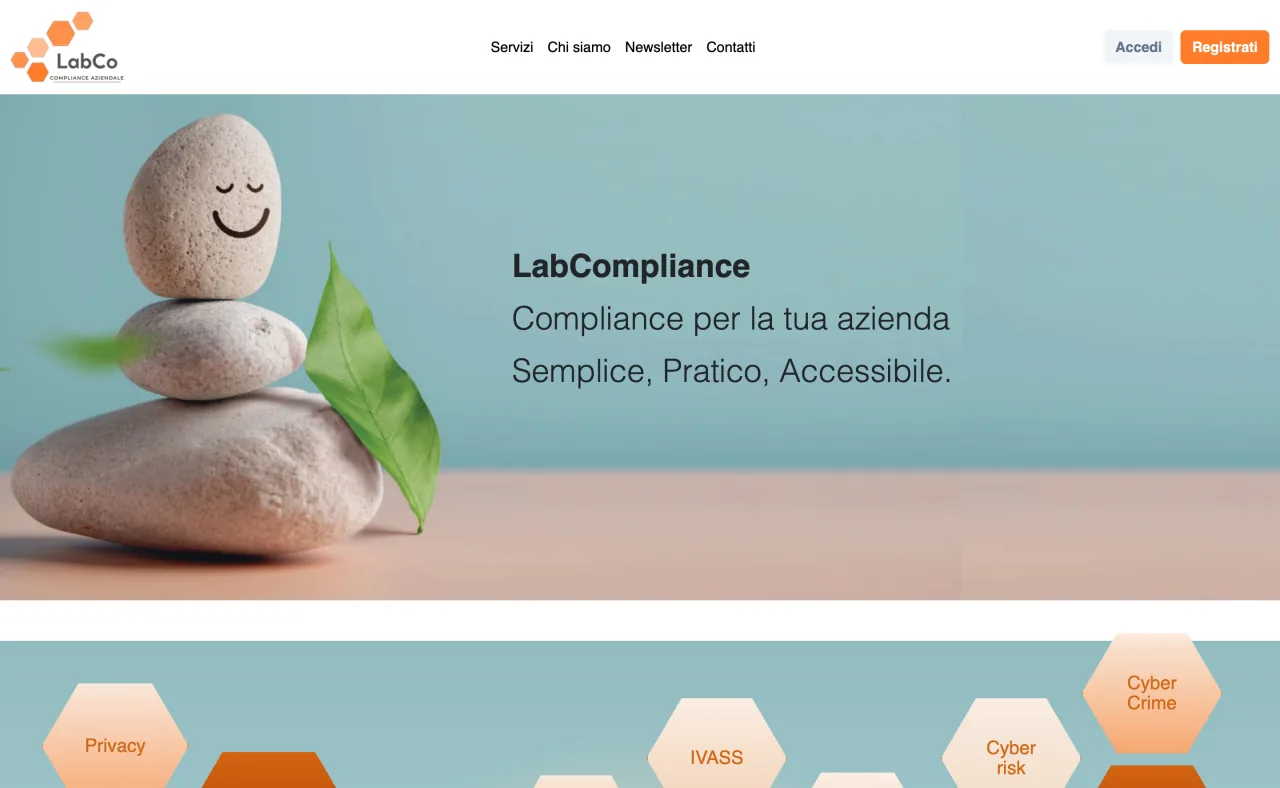
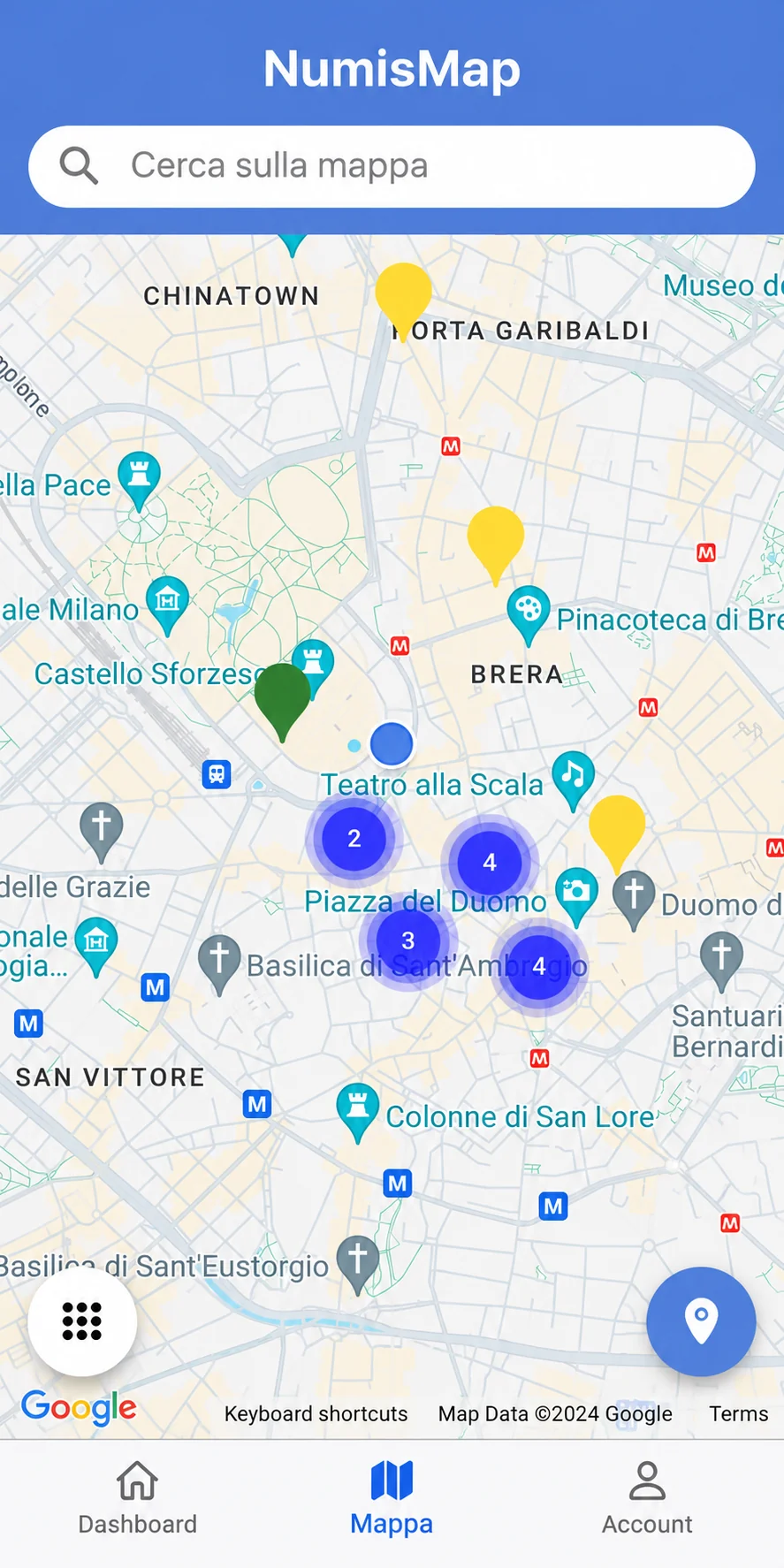

They chose me










Solutions for your business
SMEs using Excel for day-to-day work
If your small or medium-sized business uses Excel spreadsheets, Word files, or paper documents for day-to-day work, I can help you design and build custom software that fits the way you work.
Businesses, professional practices, and associations using older management software
If you’ve used the same generic management software for years and routine tasks take more steps than they should, I can help you design software that fits your workflow. We start by identifying which tasks to simplify and what you want to spend more time on.
How I work
Before I write any code, I get to know you. Then I spend days thinking about you and your project. I put together a quote you can rely on, and I stick to it.
I listen and get to know your work
I start with what you need. I visit you at your workplace and we talk about what you need and how my work could help. I show you other projects I’ve worked on, and together we figure out what you need.
I imagine and design the solution
To give you a complete, reliable quote with no hidden surprises, I work out the best approach for your project. I evaluate software architectures and consider all the options, scenarios and complications that could arise. I think about things you may not have considered and how the project might evolve. I usually call you back once or twice to explore the details and clear up any questions.
I set out the timeline and costs
My quotes are clear and reliable. Before we start working together, we agree on what to build.
I finally write the code, and you get to try it too
During development, I show you the progress and provide working versions of parts of the software for you to try. We discuss something tangible as the project takes shape.
I deliver the software and source code
At the end of the project, I hand over the software I have built and its source code.
I remain available
After delivery, I remain available for fine-tuning, fixing issues, training and further development of the project.
Frequently asked questions
Answers to common questions
How much does a project cost?
Developing a mobile app for Android and iOS or a custom web management system has a cost that depends on the complexity of the project. The projects I work on generally range from €6,000 for simple apps or websites to €50,000 for complex custom business management systems.
How much does it cost to maintain an app over time?
Apps have fixed store costs: $99 per year for Apple and a one-time €25 fee for Google Play. Depending on the project, management systems and apps may also have infrastructure costs, such as data processing servers, databases, file storage and APIs for integration with AI providers. These costs can range from €10 to €50 per month, but depend heavily on the specific case.
How long does it take?
Simpler projects, such as some mobile apps or a website, take one or two months of work.
For simple projects, I can use serverless solutions such as Firebase or Supabase. These tools offer standardized services for tasks such as authentication or simple, direct access to database data. For some use cases this approach is entirely appropriate, and I recommend it myself as a fast and economical solution.
More complex apps or business management systems that require a complex data architecture, an advanced data processing server and integrations with other services involve lengthy design, development and testing. These projects often last a year, sometimes 18 months.
In these cases, my relationship with the client becomes stable and long term. I visit their premises regularly and become part of their team for the duration of the project.
After a project, I remain available for changes, support and advice.
Do you integrate artificial intelligence features?
I have helped several clients speed up their work by integrating artificial intelligence tools into the software I developed for them.
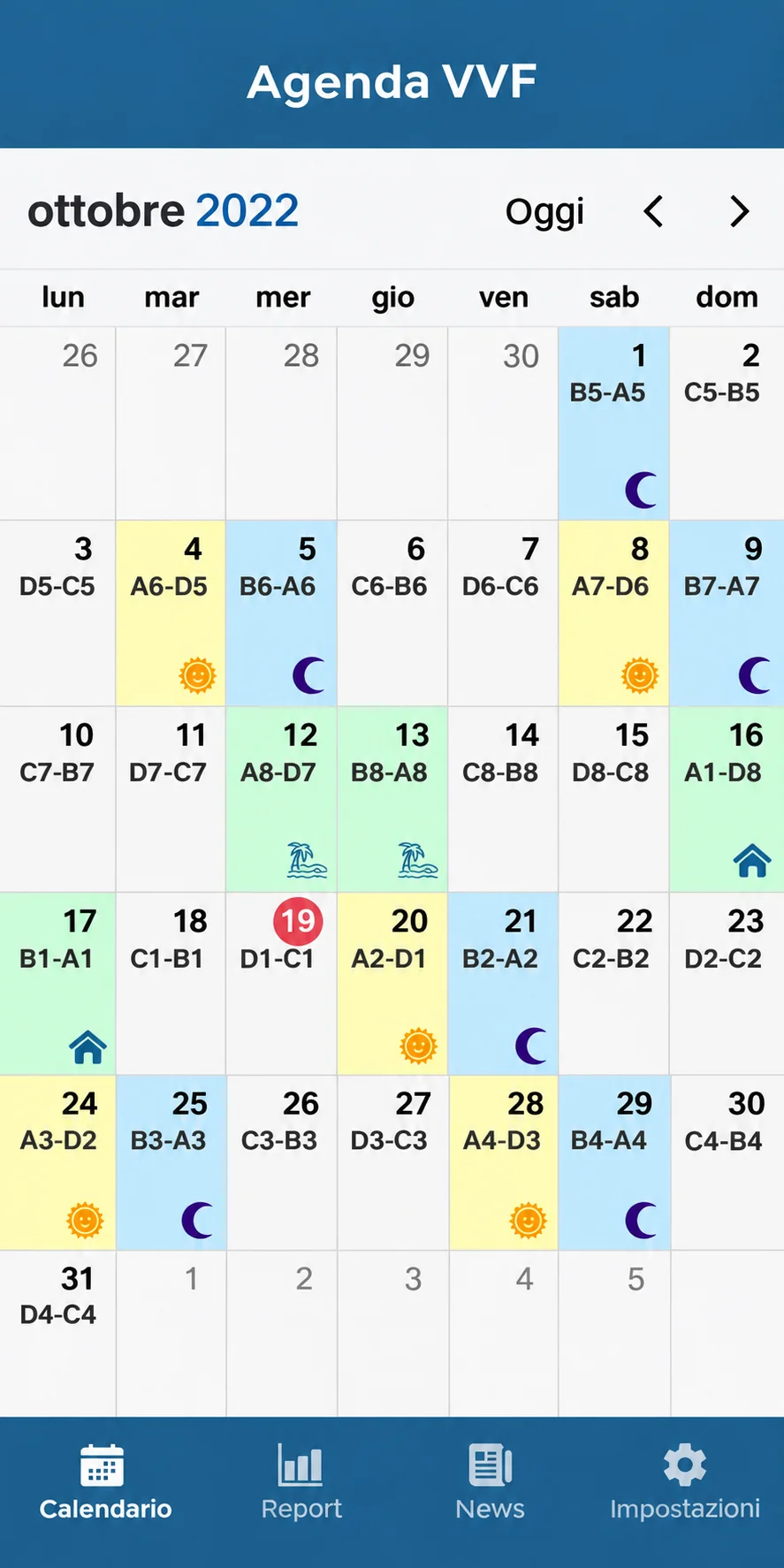
For example, I integrated ChatGPT into a cloud-based web management system to suggest weekly schedules for a company that needs to assign tasks to employees whose availability changes each week.
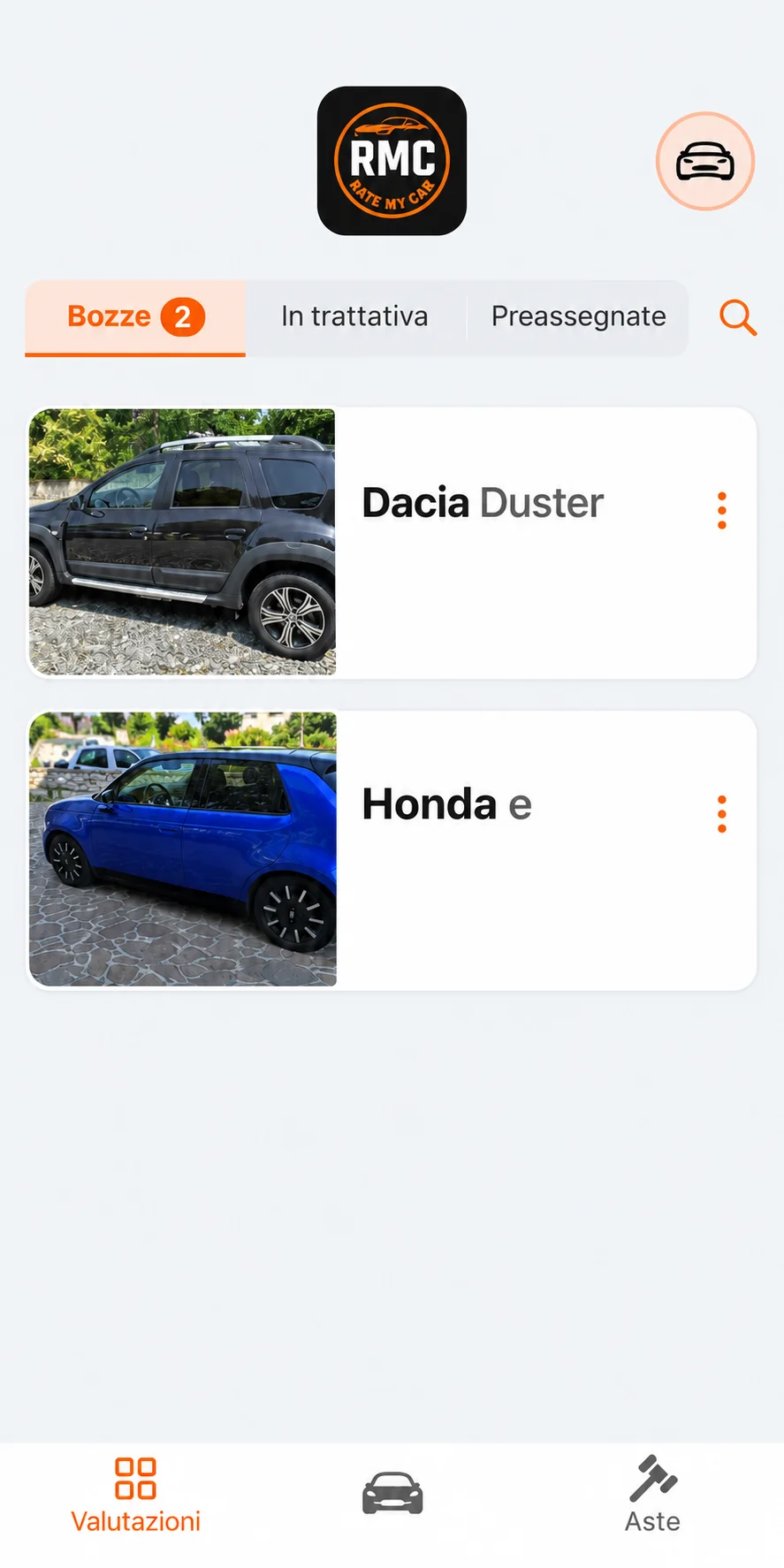
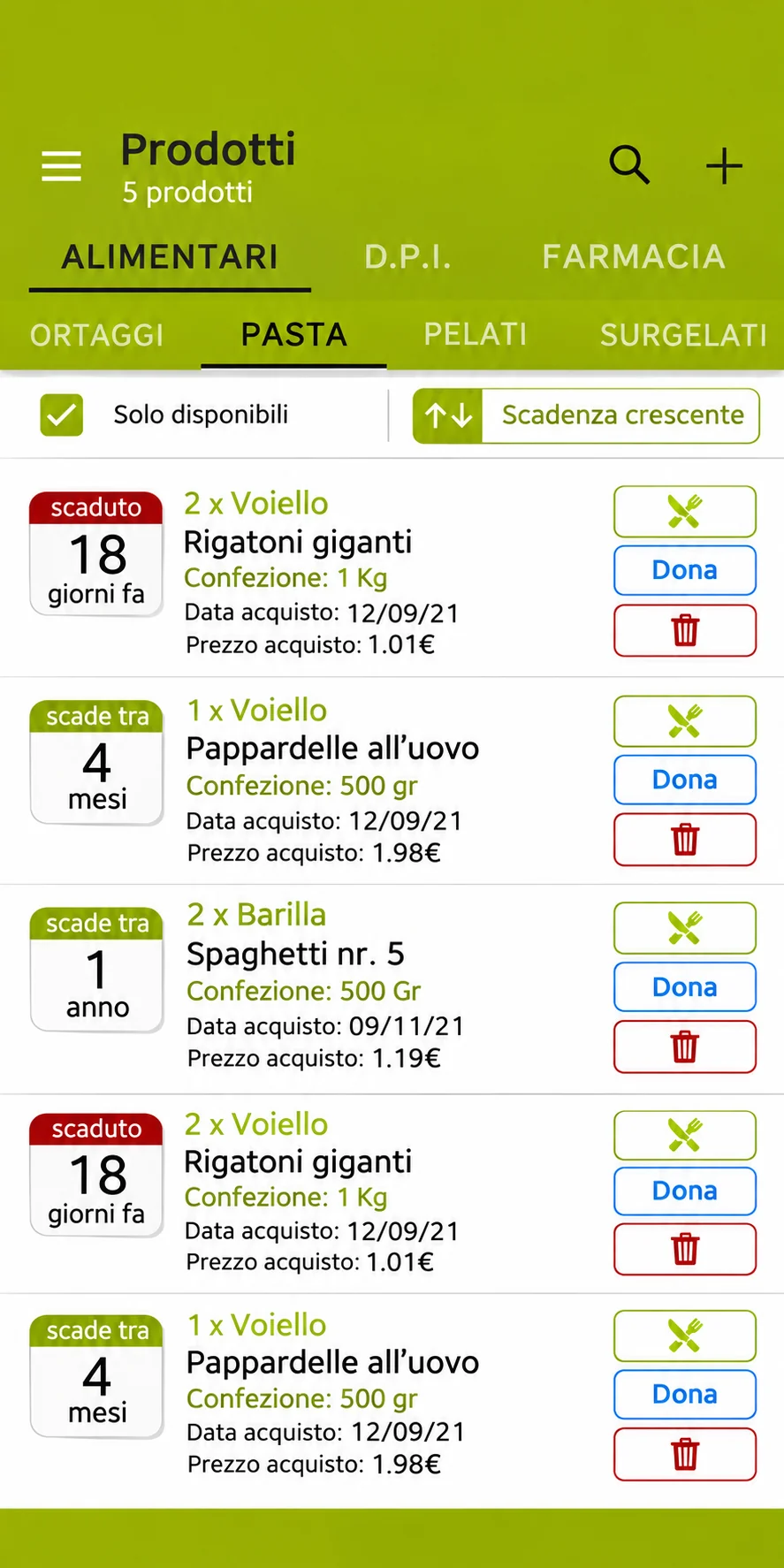
In an Android and iOS mobile app, I also implemented analysis of camera images using the Google Gemini API. It identifies photographed products and extracts as much information as possible from labels, including manufacturers, expiry dates, costs and other details. The app then finds or creates product records using that information.
These applications of artificial intelligence in my clients’ apps and management systems have been very successful in improving their day-to-day work.
Can I start with an MVP?
Yes. If the goal is to validate an idea, gather feedback and have an early product to test in the market, we can build a Minimum Viable Product (MVP): the simplest, most basic version of an app or software product.
We define the essential features to validate the idea within your budget, then evolve the product.
I built an app with AI. Can you publish it?
Yes. Tools such as Base44, Replit, Google AI Studio, Claude Code, Cursor, Lovable and Bolt.new let you create mobile apps, business management software and websites, including complex projects, with the help of AI. Anyone comfortable using digital tools can bring their idea to life, even without being a professional software developer.
I review the code, fix issues and prepare the application for publication. I support you through the production launch and ongoing maintenance, so the application is ready to use and stays operational.
Do you use native or hybrid development for apps?
I develop Android and iOS apps for smartphones and tablets using native or hybrid approaches.
Native development uses official languages, libraries and tools: Swift, SwiftUI and Xcode for Apple; Kotlin, Jetpack Compose and Android Studio for Android. It makes full use of each platform’s performance and features. However, it requires designing, developing and maintaining two codebases with different technologies and logic, which means more testing and significantly higher costs and development times.
Hybrid development uses technologies such as HTML5 to build part of the app, usually its user interface, with code shared across both platforms. It can reduce costs and development times while delivering an interface that looks identical to a native one. It suits business apps, calendars, management systems, satellite navigation and VPNs; it is less suitable for apps that require intensive use and extreme optimization of hardware resources.
I help you choose the approach that best suits your project.
I work with Excel files and WhatsApp. Can you help me?
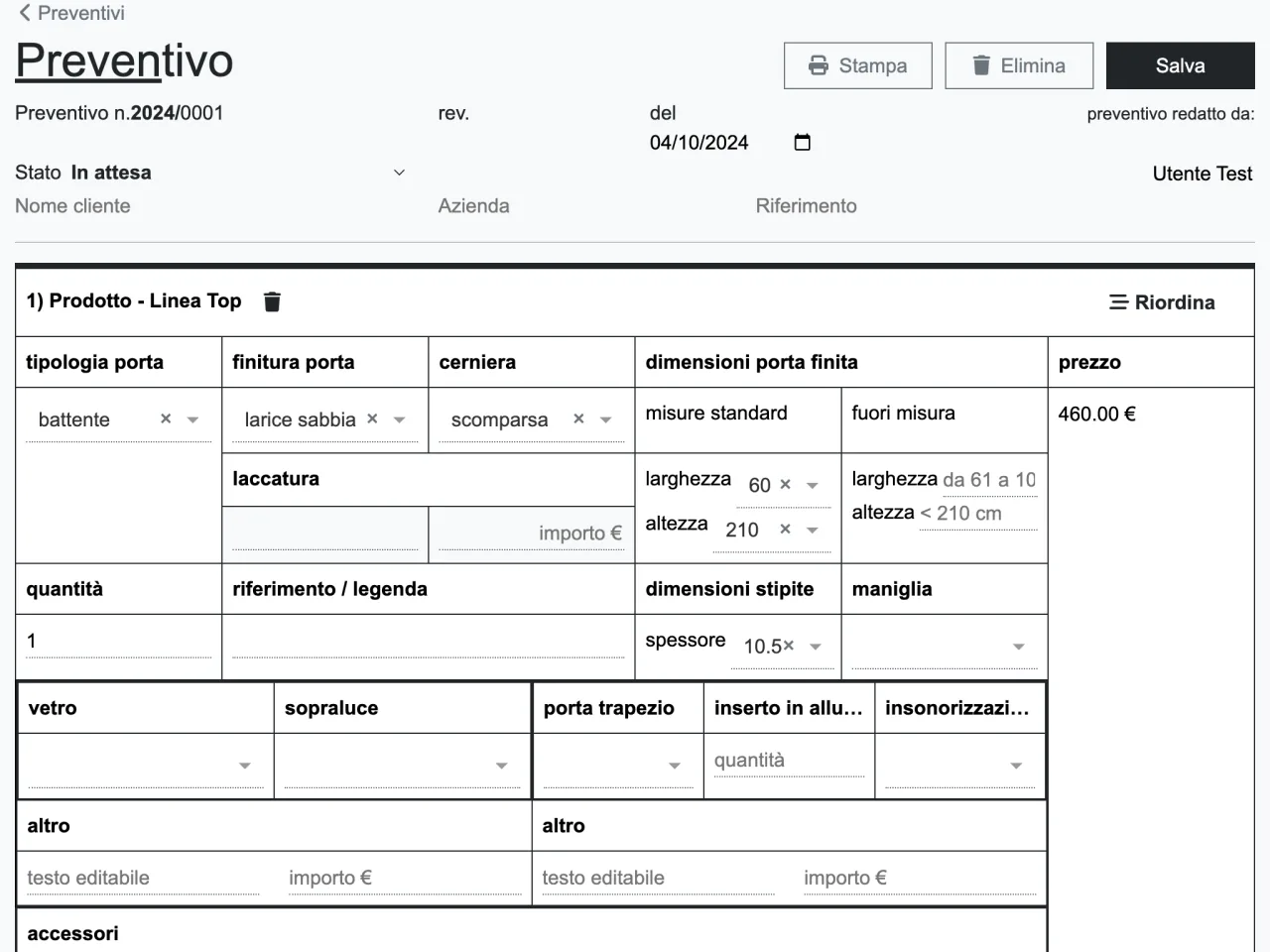
Of course. If you have built a workflow over the years using Excel, Google Sheets, Microsoft Access, FileMaker or WhatsApp Business, we can start with what you already use. These are versatile tools that businesses, professional practices, medical clinics, car dealerships and other SMEs can use to organize even complex activities.
When you need more structured online access, specific permissions for each user or connections between different data sources and tools, we can explore moving to a custom management system.
Throughout my career, I have helped clients turn established Excel or Access workflows into modern applications on several occasions. I use established technologies, such as secure HTTPS connections, relational SQL databases and access controls based on users, roles and permissions, to build a solid foundation that can evolve over time.
The web interfaces are responsive, meaning they adapt to computers, smartphones and tablets. Depending on your needs, I can also develop mobile apps for working on the go or interfaces designed primarily for office use.
The software can also include dedicated APIs and connectors to connect to AI tools such as ChatGPT, Gemini or Claude Code. These integrations are designed to provide secure, controlled access to data, limited to authorized information and operations.
The management system can also connect to WhatsApp, using only the official WhatsApp Business Platform APIs to automate customer communications. Features and costs are assessed based on the integration and expected message volumes.
I have a local management system built with Access. Can we migrate the data to the cloud?
Yes. A management system built with Microsoft Access, even many years ago, can be the starting point for a new cloud application. The first step is to analyze the database, its existing features and how they are used.
We can keep the Access database as an archive for consulting historical records and migrate the data to a database such as PostgreSQL or MySQL, checking that the information and relationships are transferred correctly.
On this foundation, I can build a new management system accessible online, with interfaces suited to the devices in use and access controlled through users, roles and permissions. The old system’s features are analyzed and rebuilt in the new software: transferring the data is one part of the work.
Do you work with local businesses?
Yes. I live and work between Padova and Rubano and regularly work with local companies, with periodic meetings arranged together.
Do you support me after release?
Yes, I offer maintenance, periodic updates, and ongoing support to ensure security and operational continuity.